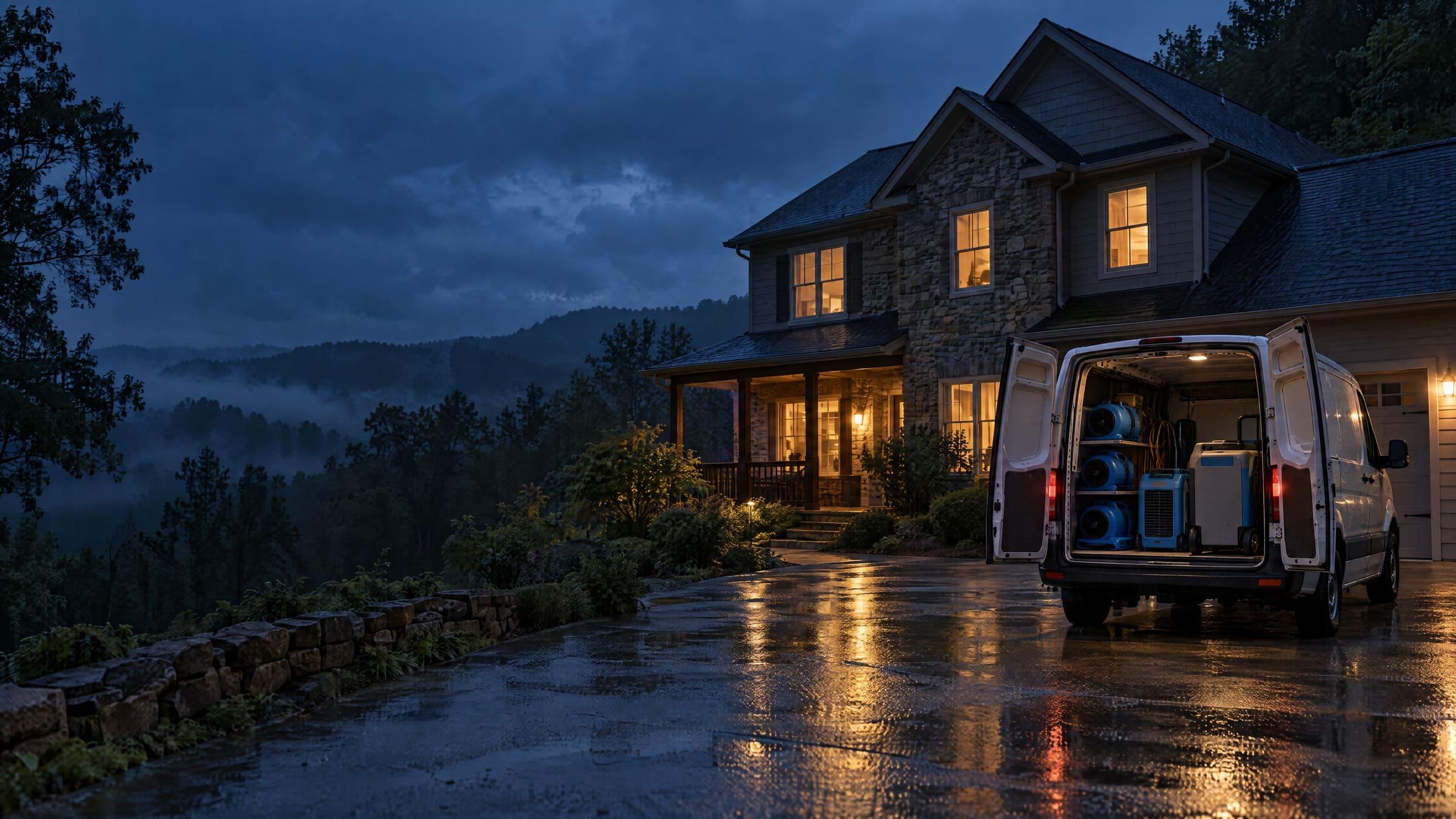
For water, fire, mold, and rebuild
Mitigate the paperwork.
Restora runs the restoration job from first call to final report. Your crew scans, shoots, and logs readings on their iPhones, even with no signal. Your office gets the evidence and the drying report the adjuster asks for, without chasing anyone.
Web app for the office · Native iPhone app for the field
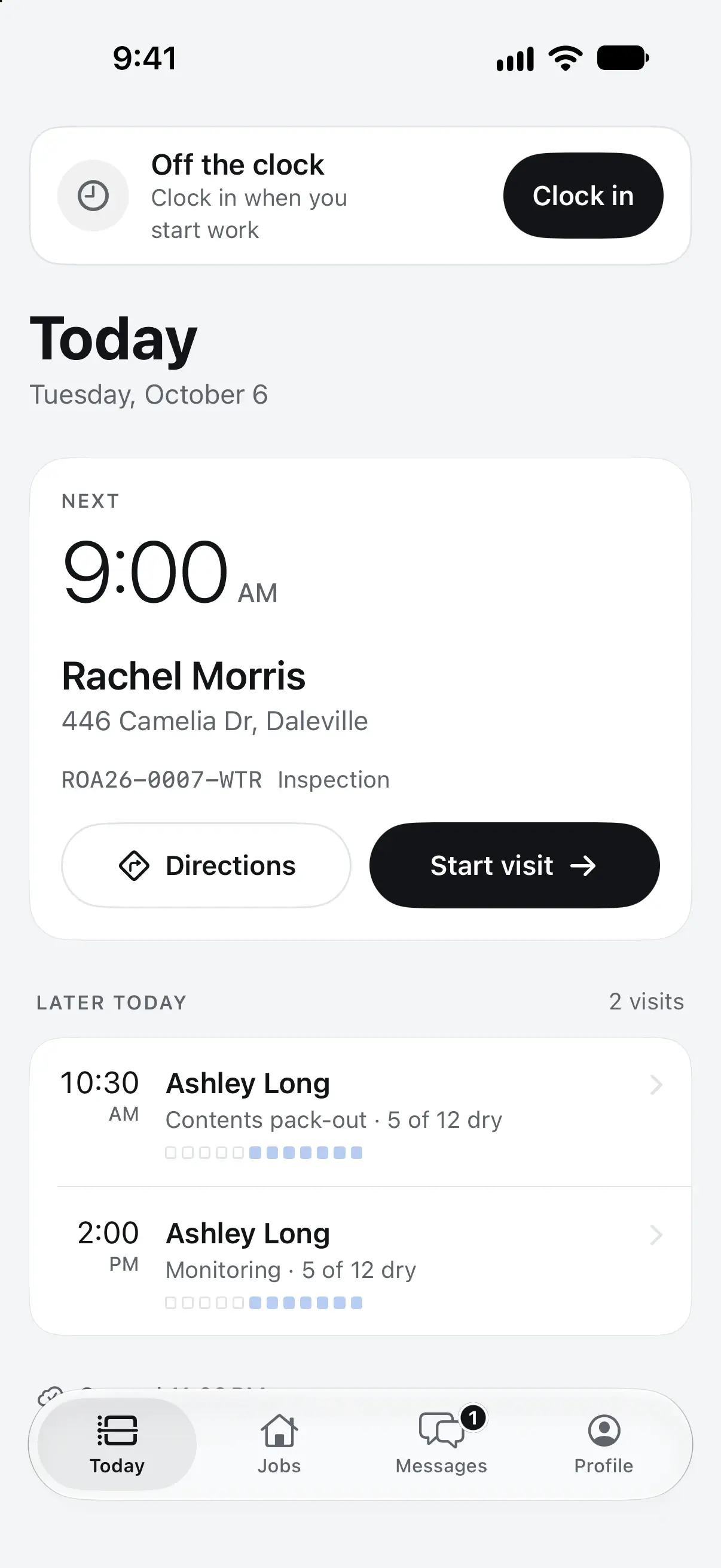
Works with no signal
Basements and crawlspaces included.
Every feature included
No add-on modules, ever.
Your data, always
Export any list to CSV, any time.
Sealed per company
Enforced in the database itself.
Follow one loss
From the first call to the final report. In the order your crew works it.
01 / First call
Every loss starts with one record.
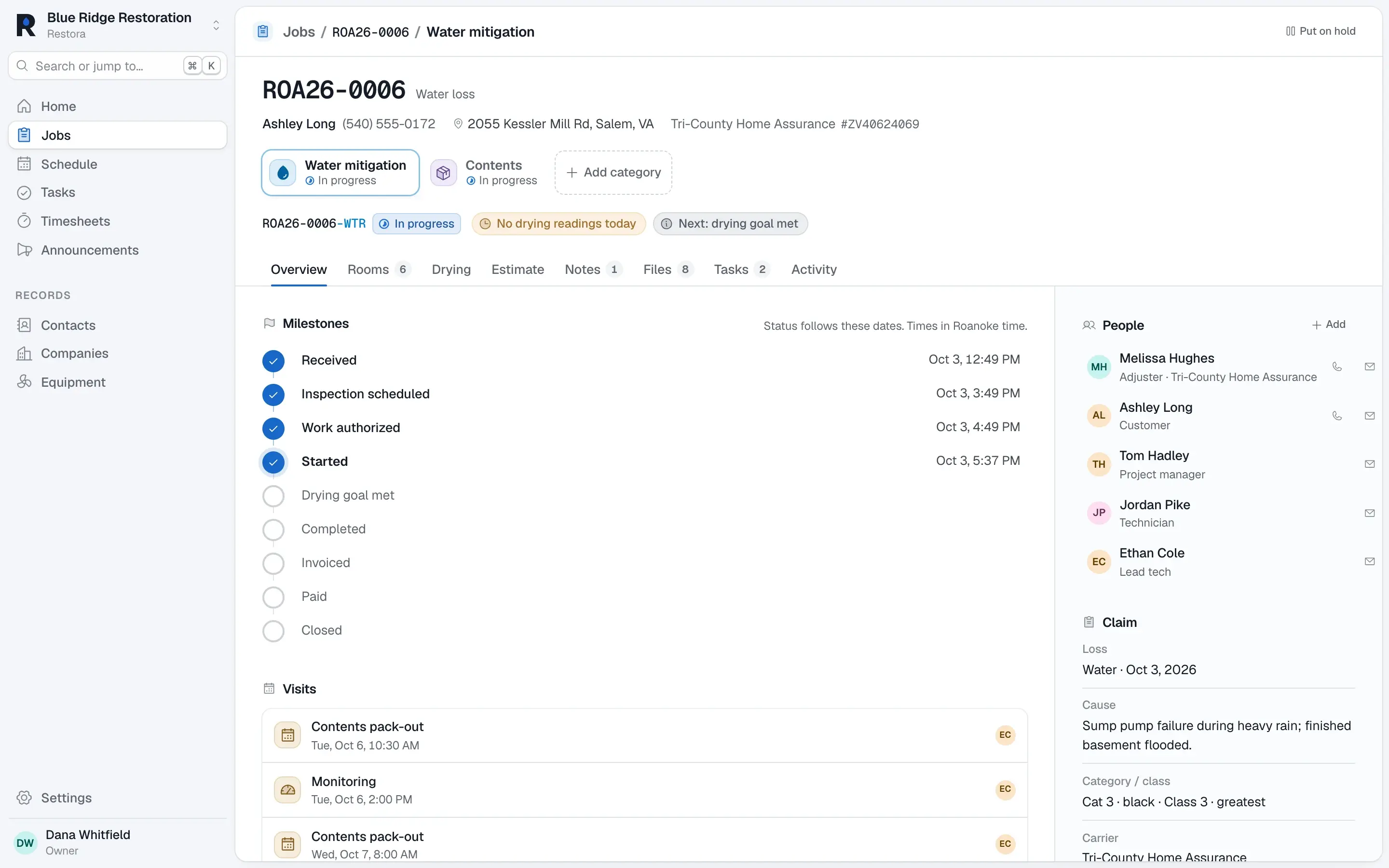
Take the call and the job exists: customer, property, carrier, and claim, a job number from your office’s sequence, and a tab for each division with its own status, PM, and milestones.
One claim, every division
Water, contents, and rebuild on the same loss share the property, people, files, and visits. Status moves on its own as milestones get dated.
02 / Document
Photos the adjuster won’t argue with.
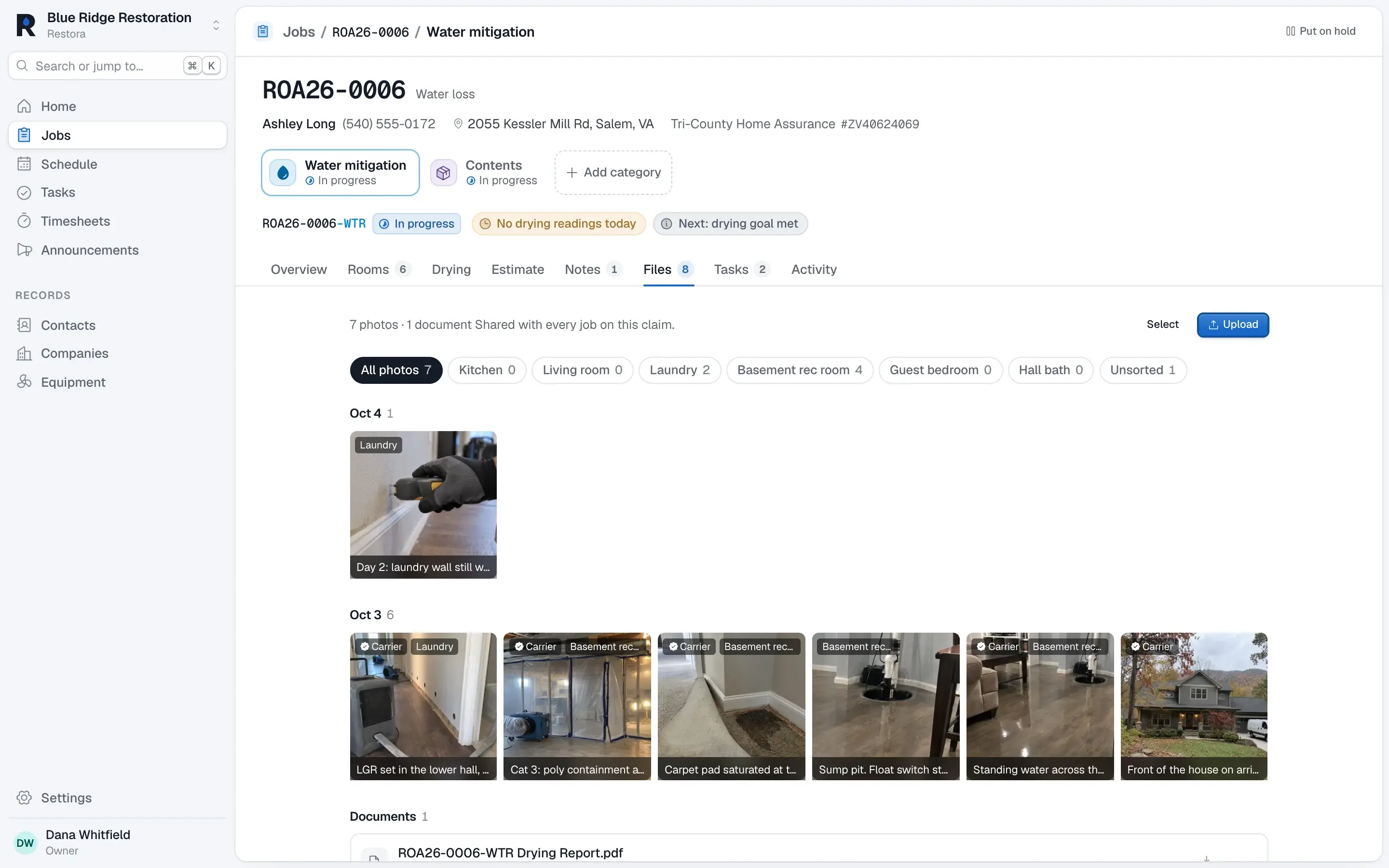
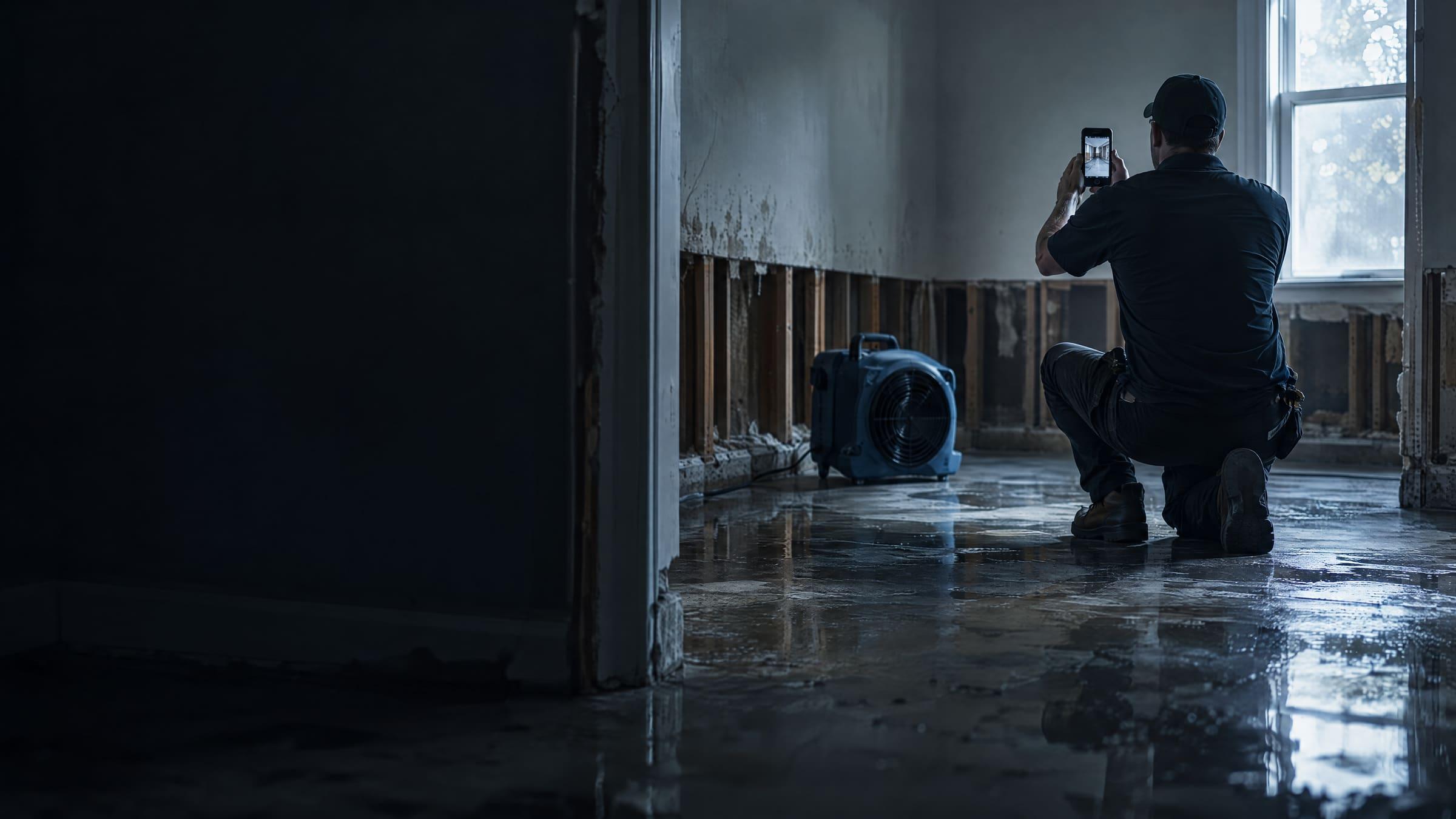
Shoot as many photos as the loss needs, with no batch limits. Each one carries the date, time, and address burned into the image, lands in the right room, and keeps every caption it ever had.
Sorted by room, marked for the carrier
Photos file themselves under the room they were taken in. Mark the ones the carrier should see and they go straight into the report.
03 / Dry
Dry it. Prove it.
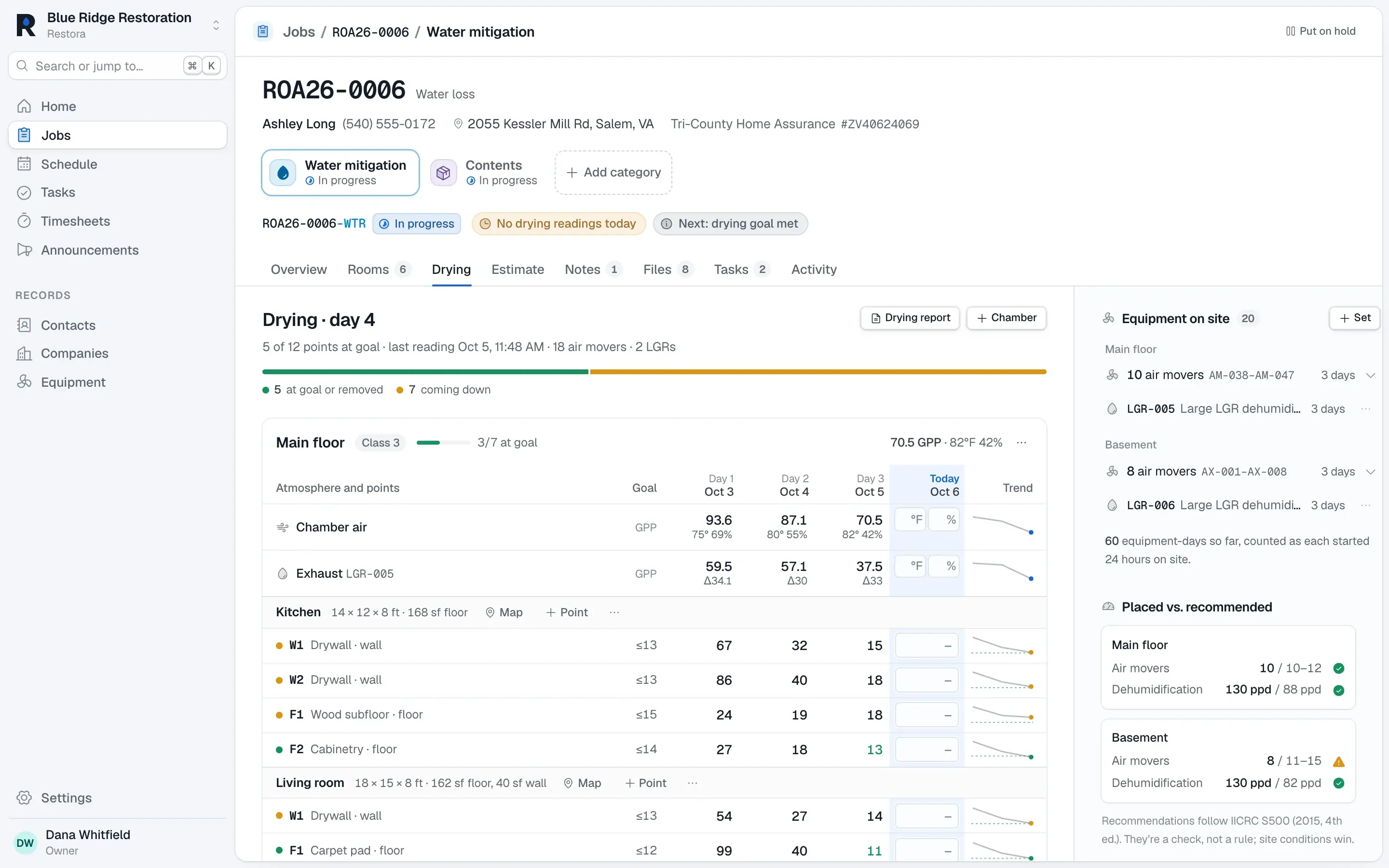
Log readings room by room. Restora works out GPP and dew point at your office’s elevation, sets goals from your dry standards, flags a dehumidifier that isn’t pulling, and counts equipment-days for the invoice.
Every material, every day, against its goal
Moisture points by room and material, chamber and dehu atmospherics, equipment on site, and placed-versus-recommended checks, all on one screen.
04 / Report
Hand over the report in one click.
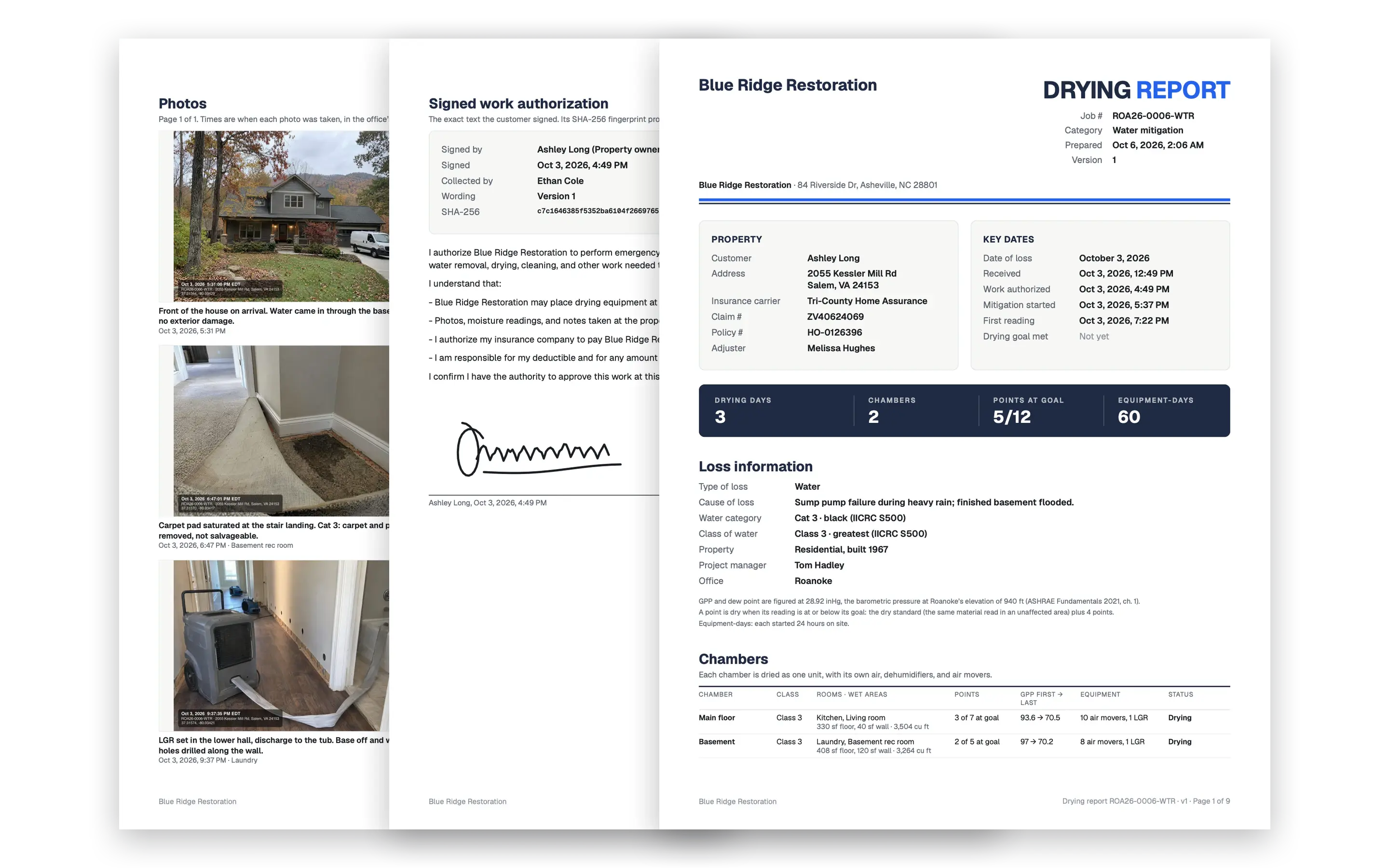
The drying report builds itself from the job: readings, charts, the photos you marked for the carrier, and the signed work authorization. Every version is kept with a fingerprint, so what you sent is what they got.
Readings, charts, photos, signature
A clean PDF in your company’s name, ready for the carrier the moment the job is dry.
For the office
Your coordinators, finally caught up.
Every job on one board, every list filterable and saved, and the keyboard reaching all of it. The field’s work shows up as it happens.
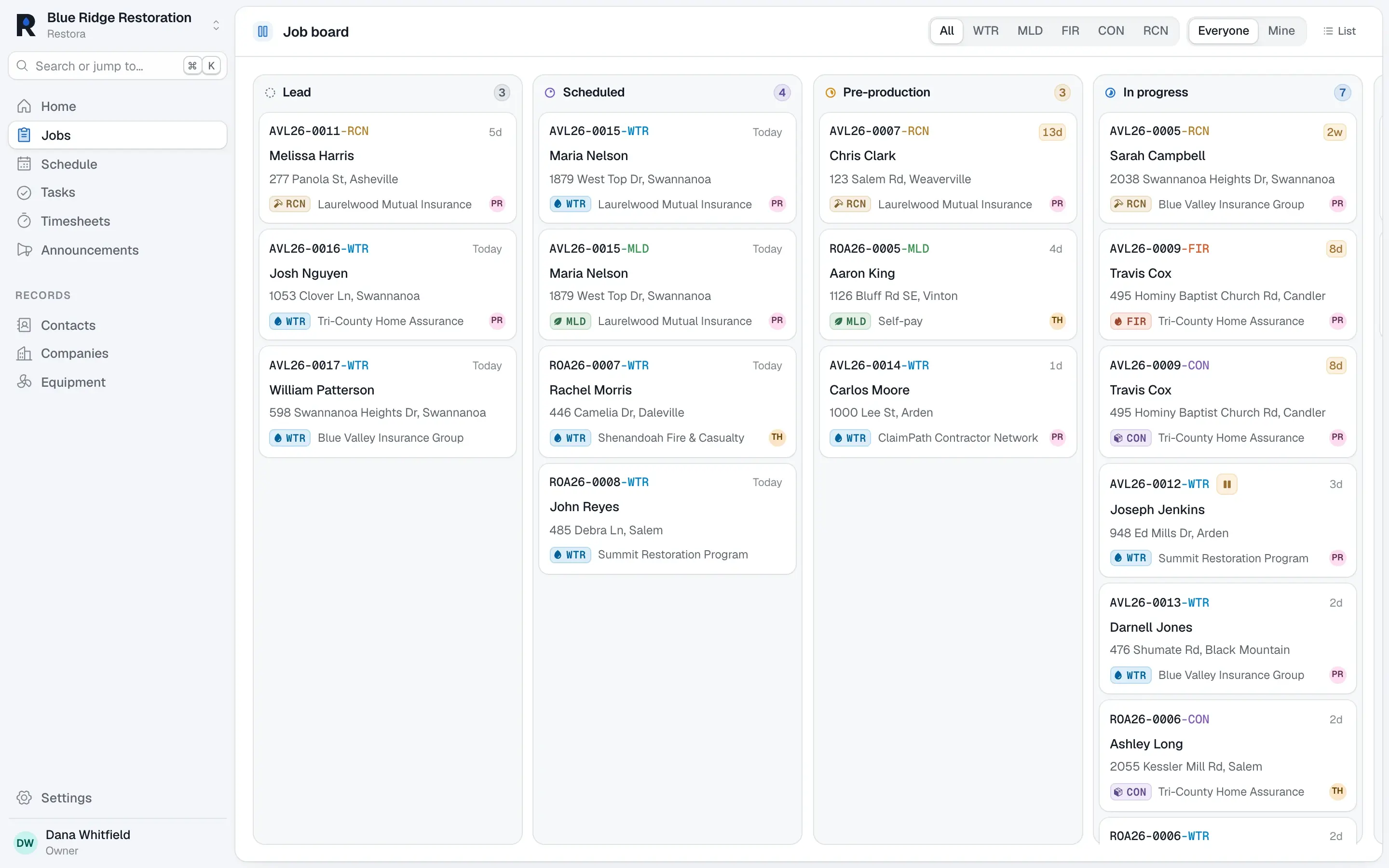
The jobs board
Every job by stage. Drag a card and the milestone is dated for you; skipped steps are flagged, never invented.
⌘K to anything
Any job, contact, or action, from the keyboard.
Saved views
Filter, sort, pick columns, and save the view for yourself or the team.
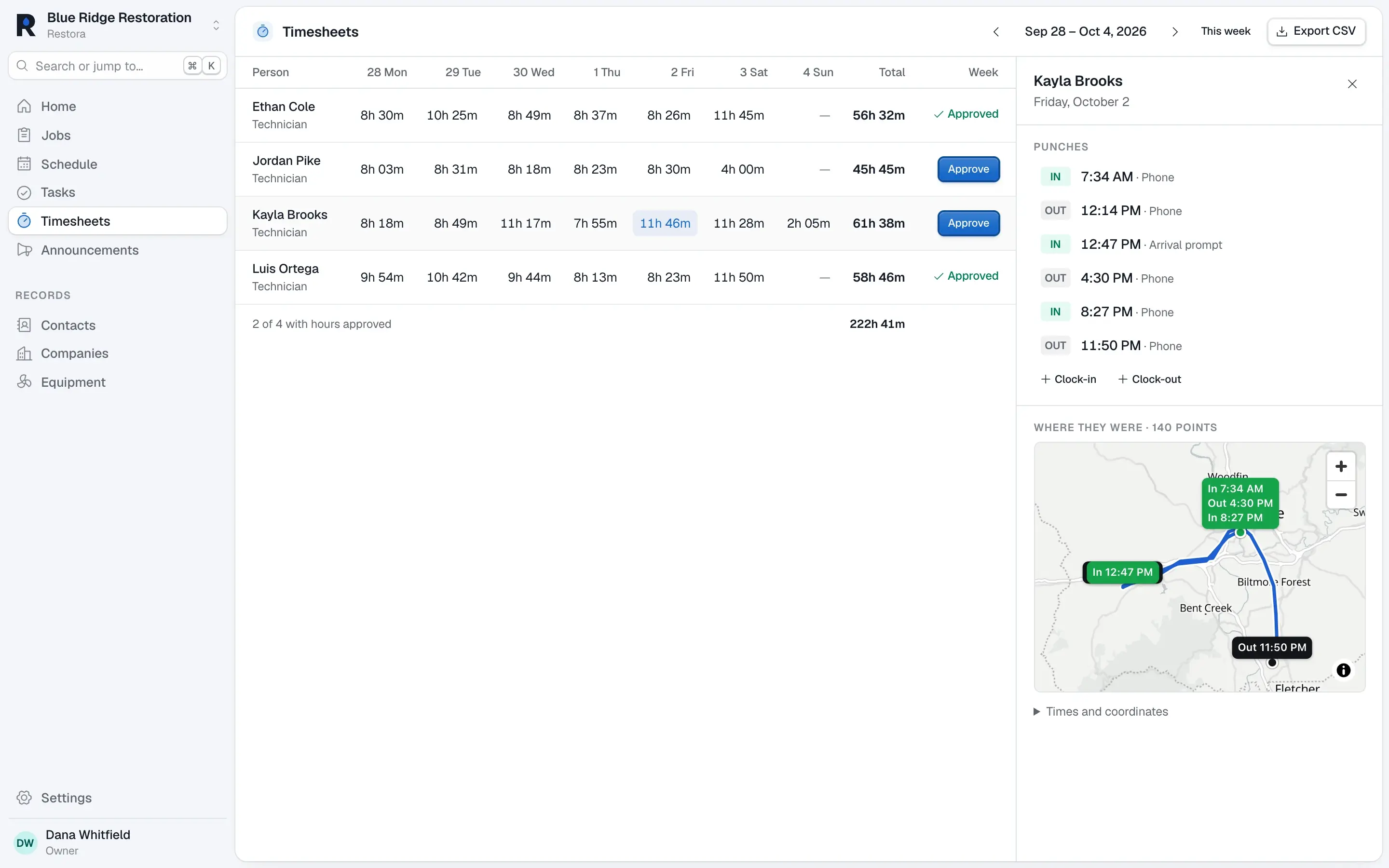
Timesheets with the route
Clock-ins with the path driven between jobs, so payroll matches the work.
Announcements
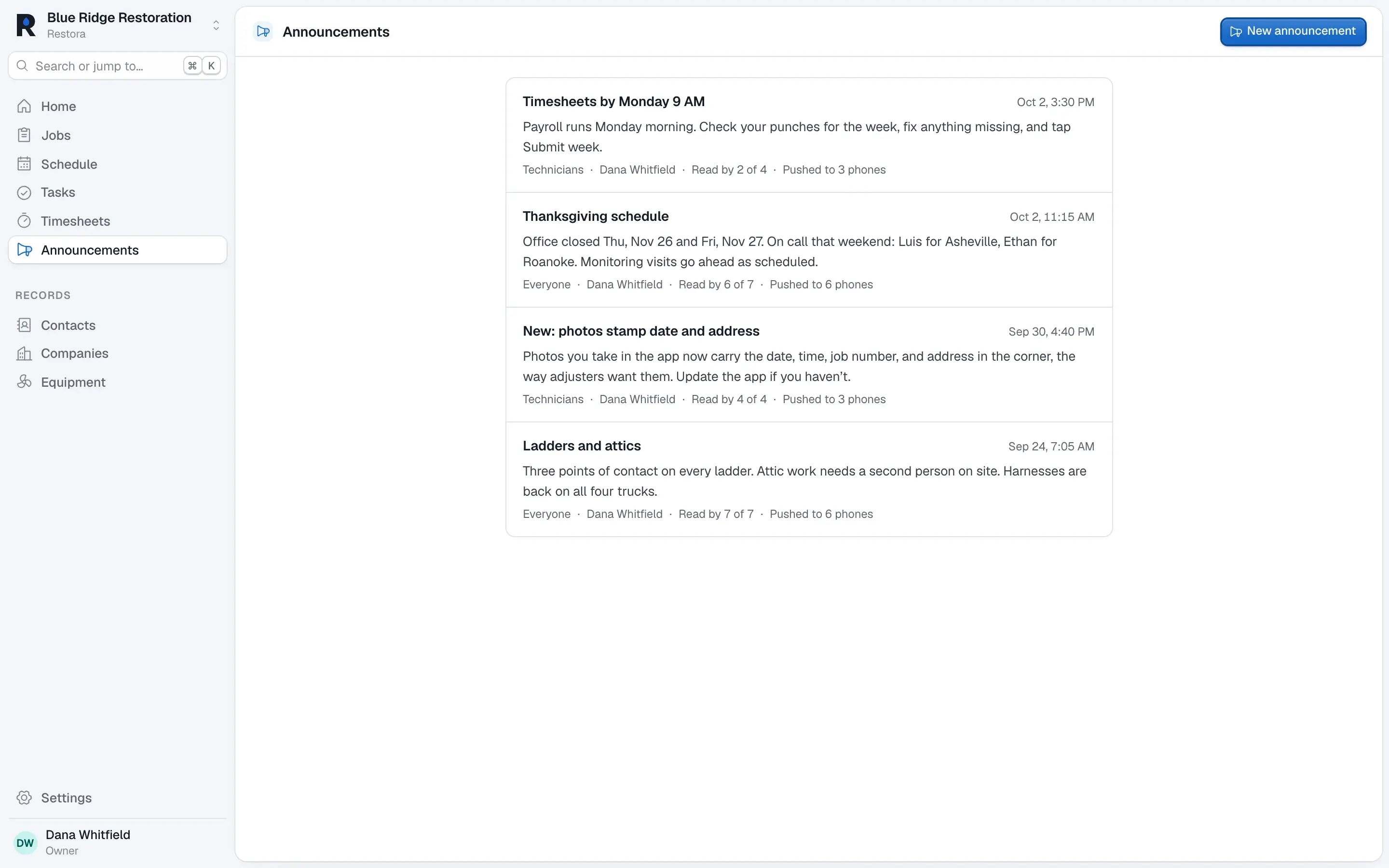
Send a push notification to the whole crew from the web.
Team chat
Talk about the job where the job lives.
The iPhone app
Built for the crawlspace.
A native iPhone app with big targets, readable in sunlight, that keeps working with no signal. Everything your tech does is on the job in the office the moment the phone is back in range.
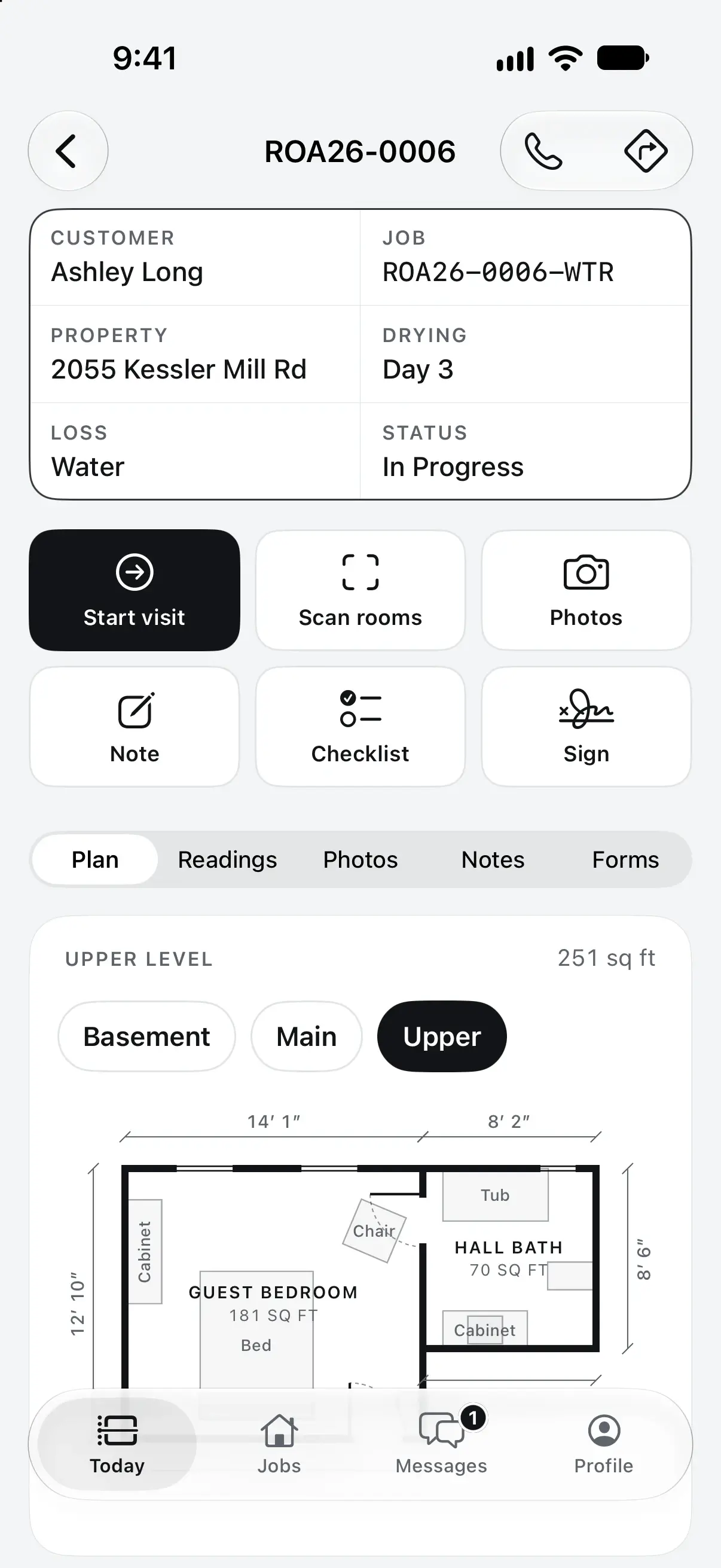
LiDAR room scans
Rooms to scale in a minute.
Stamped photos
Date, time, and address in the image.
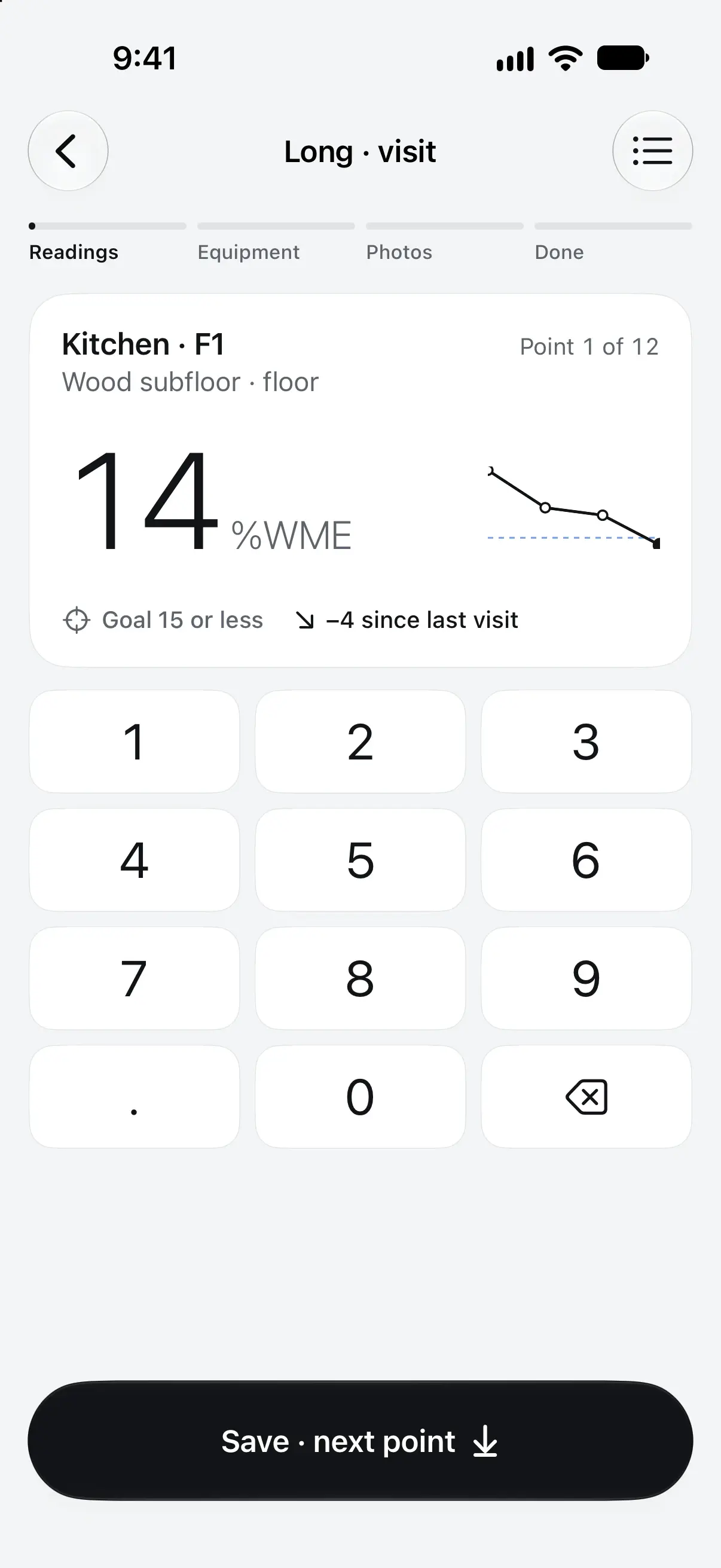
Readings point by point
Goal and trend on screen.
Clock in on site
A reminder when you arrive.
Signatures on glass
Authorizations signed at the door.
Offline first
Syncs when you’re back in range.
Every division
Water. Fire. Mold. Rebuild.
One loss often needs more than one crew. Each division gets its own job, status, PM, and milestones, all under the same claim.
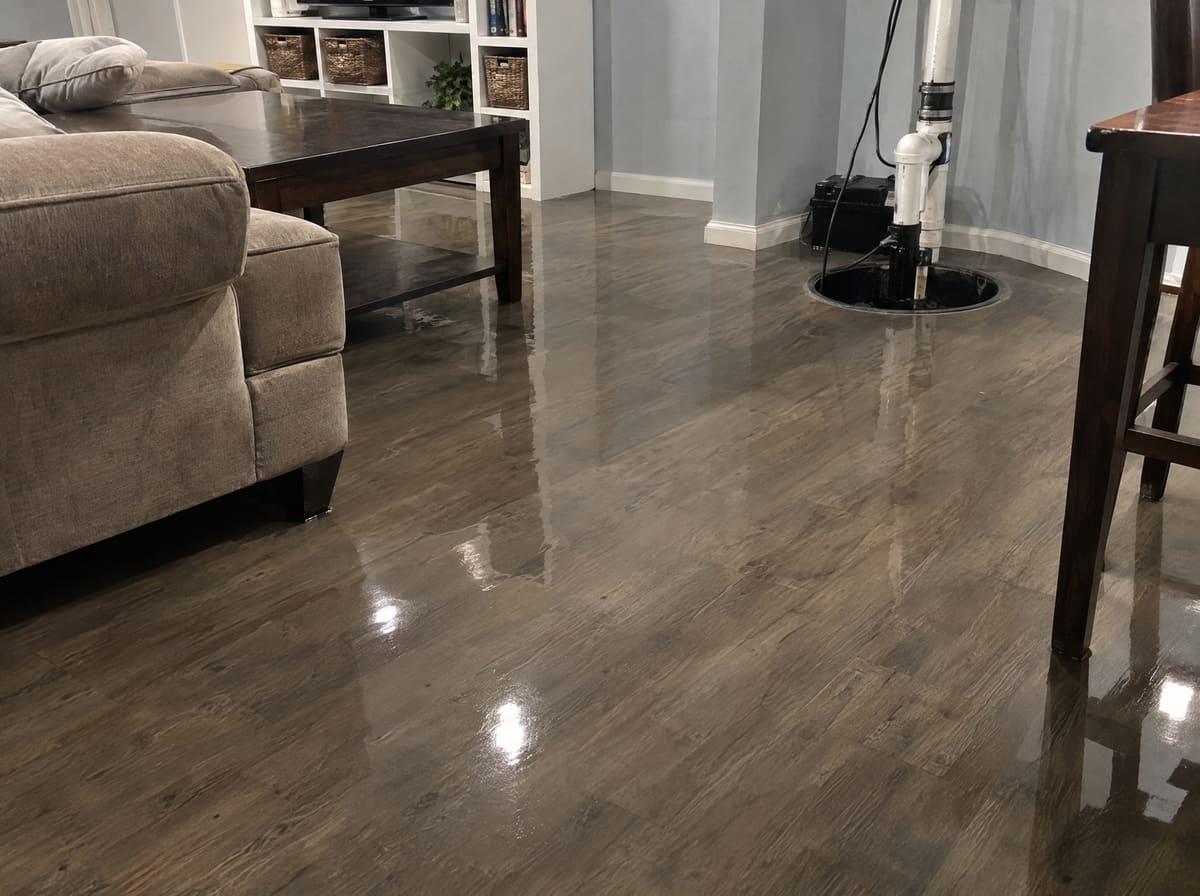
Water
Drying logs, chambers, equipment-days, and the report.
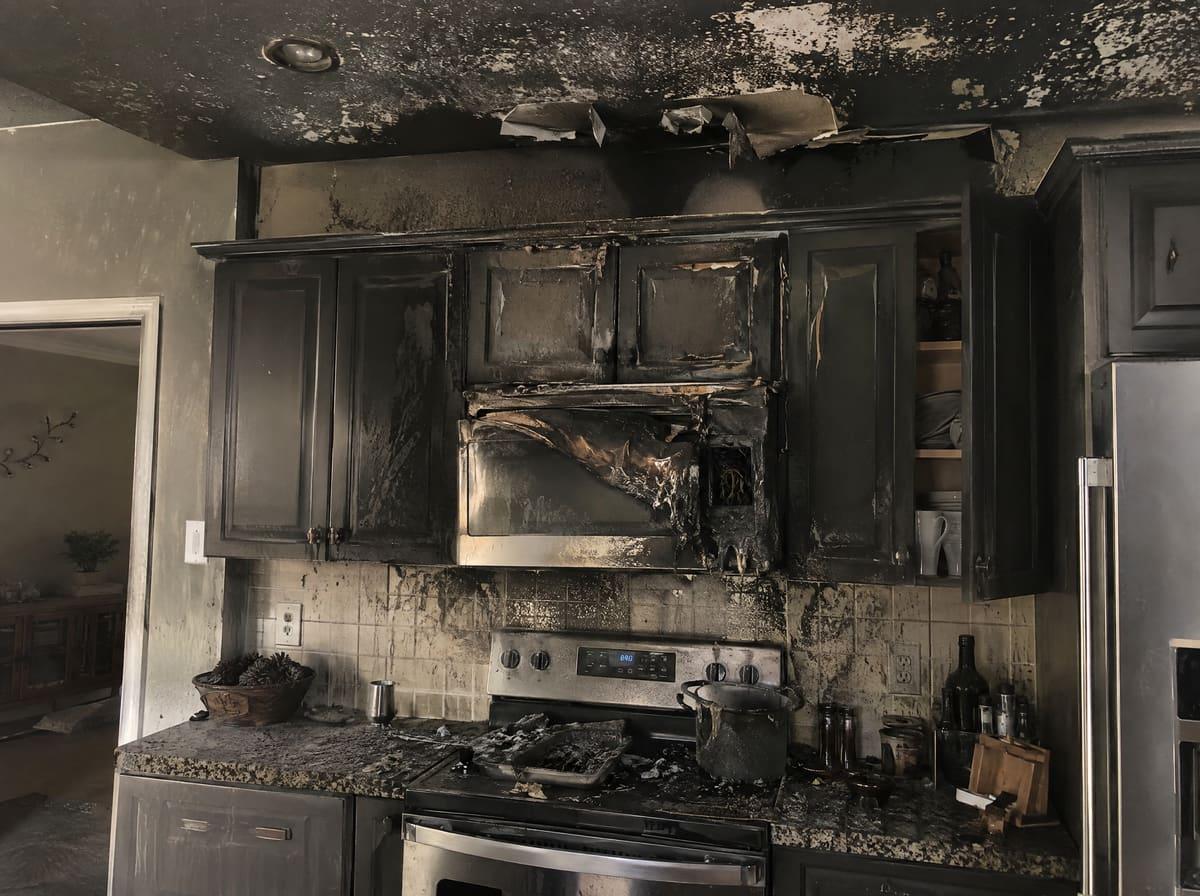
Fire
Room-by-room photos and scope from the first walk-through.
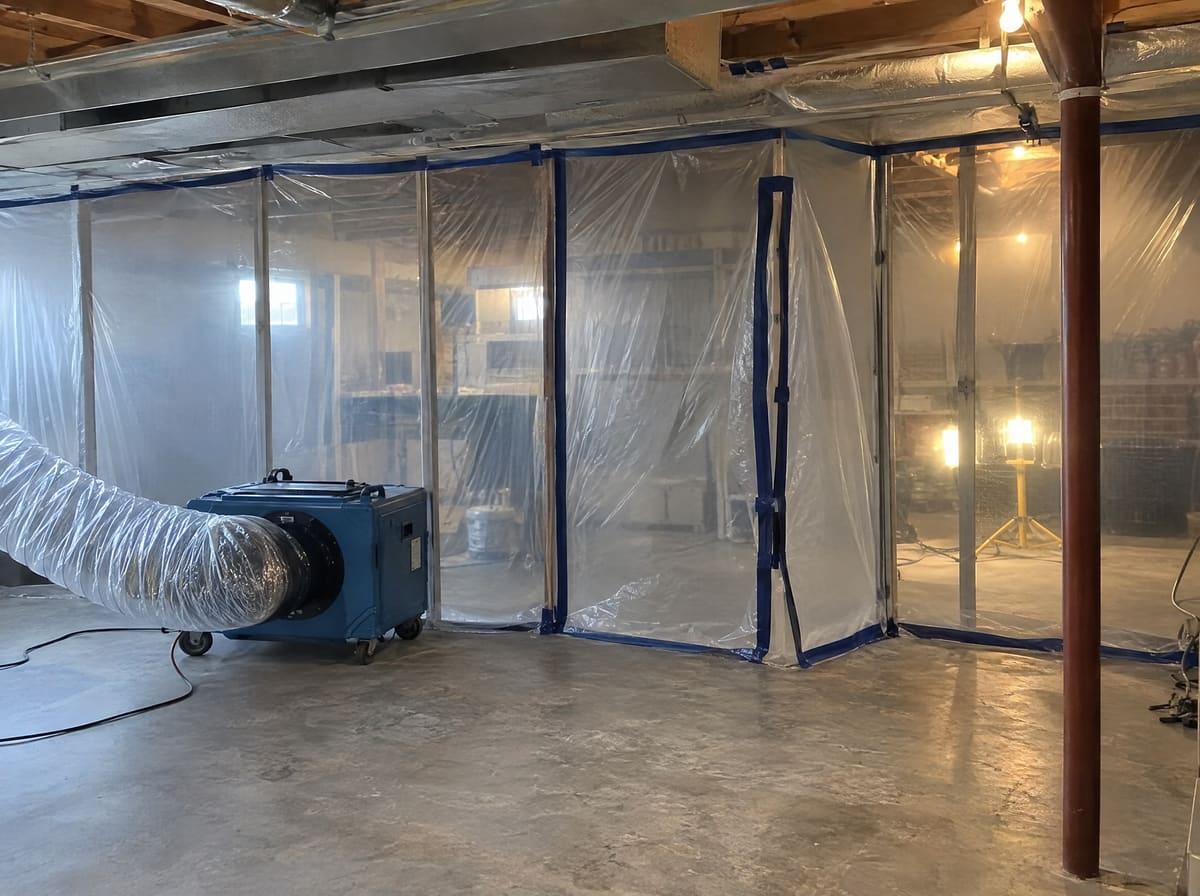
Mold
Containment, photos, and its own status and milestones.
Rebuild
Estimates on the scanned rooms, through to completion.
Why Restora
Software that’s on your side.
- 01
One price. Every feature.
Drying logs, room scans, reports, timesheets: nothing is sold as a separate module, and nothing ever will be.
- 02
Fast on purpose.
Lists and jobs open in a blink, edits show instantly, and the keyboard reaches everything. Your coordinators will notice on day one.
- 03
Your data is yours.
Export any list to CSV whenever you like. If you leave, everything comes with you.
- 04
Evidence stays evidence.
Readings, photos, and captions keep their history. Signed documents never change. That’s what holds up in a dispute.
Does it really work without signal?
Yes. The field app keeps every job your tech is assigned on the phone. Photos, readings, notes, and signatures save on the device and sync in order when the connection comes back, with nothing lost or doubled.
Do my techs need iPhones?
The native app is for iPhone, and room scanning needs an iPhone Pro with LiDAR. Techs on Android can use the field app in the browser, which also works offline. The office uses Restora in any browser.
What does it cost?
$99 per office user per month, with every feature included. Technicians are free, however many you have, and every company starts with a 14-day free trial.
Who owns our data?
You do. Export any list to CSV at any time, and if you close your account, we delete your company’s data on request.
How is our data kept separate and secure?
Every company’s data is walled off in the database itself, not just in the app. Connections are encrypted, and signed documents carry a fingerprint that shows they haven’t changed.
Can I see it before signing up?
Yes. Email us and we’ll give you a walkthrough on a demo company with real jobs, photos, and drying logs.
Get started
Be ready for the next call.
Set up your company, invite the crew, and run your next loss in Restora.